.png)


Printer Maintenance Tips for UAE Heat and Dust
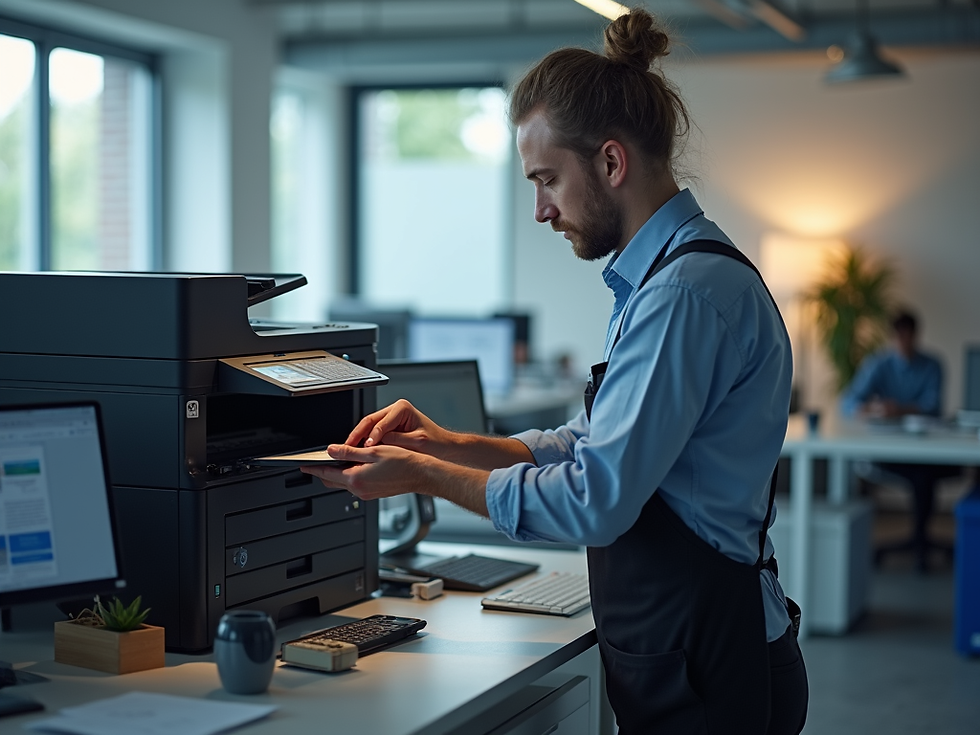
Printers work hard in UAE offices, especially during periods of high heat, dust, and heavy daily use. Regular maintenance helps reduce paper jams, print-quality problems, and unexpected repair costs.
Keep the printer area clean
Keep printers away from open windows, construction dust, and direct sunlight. Wipe the outside regularly with a soft, dry cloth and keep ventilation openings clear.
Use the correct toner and paper
Use the correct toner cartridge and good-quality paper for your printer model. Store toner and paper in a cool, dry place, away from humidity and heat.
Prevent paper jams
Store paper flat, fan the sheets before loading, and do not overfill the tray. Remove jammed paper gently to avoid damaging internal components.
Schedule professional servicing
A professional inspection can identify worn rollers, dust buildup, overheating, and other issues before they cause downtime. For reliable toner, printer repairs, and copier support across the UAE, contact Royal Fidelity Technologies.


Comments